

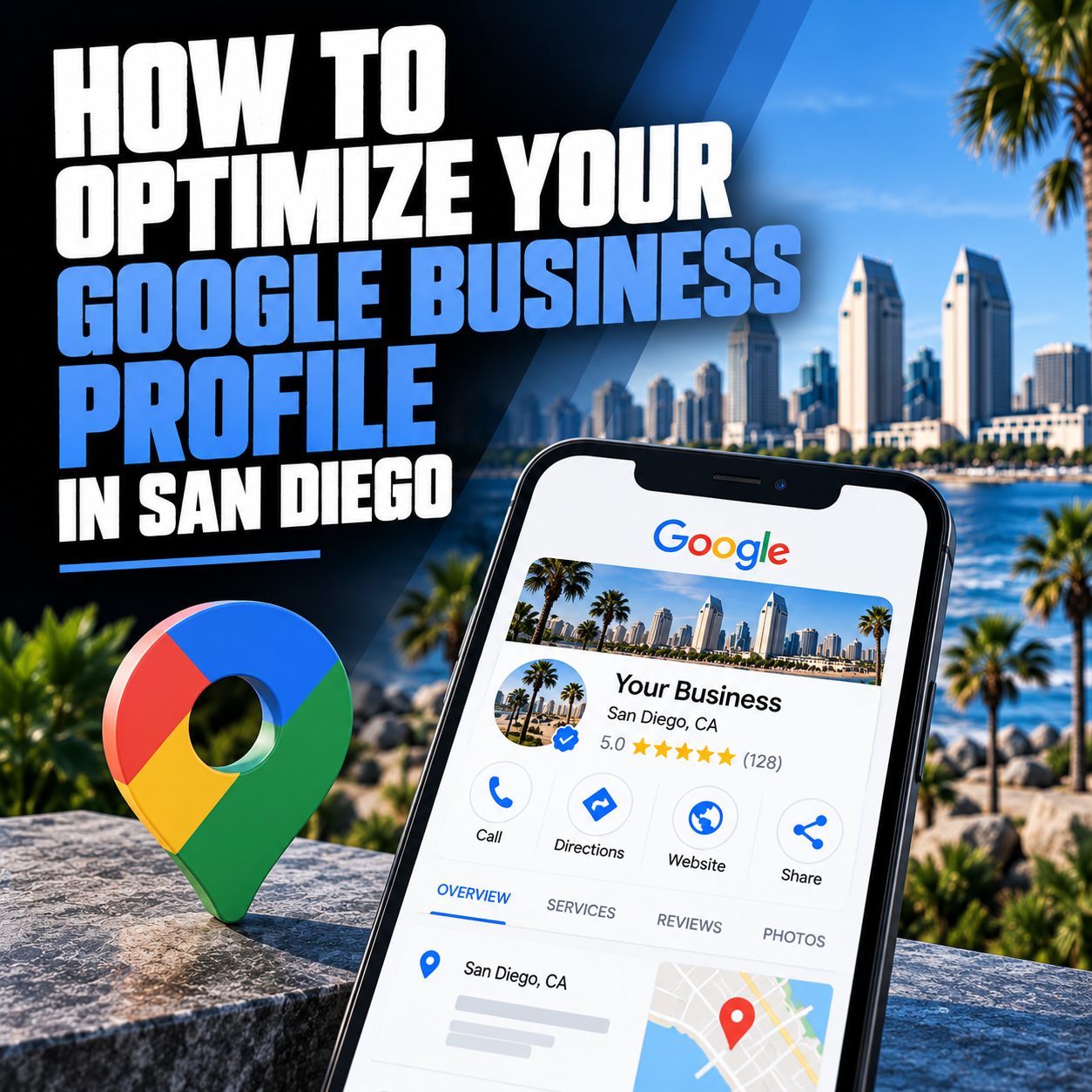
If you run a San Diego service business and you could only do one thing to improve your local search visibility this week, it would be to fully optimize your Google Business Profile. Not a website rebuild, not a new ad campaign — your Google Business Profile, because it’s the most direct driver of map pack rankings, and the map pack is where most local search clicks actually go.
Most San Diego businesses have a Google Business Profile. Very few have it set up correctly and maintained actively. The gap between a profile that’s claimed and largely ignored versus one that’s complete, accurate, and consistently maintained is the difference between ranking in the top three map pack results — which capture 70-80% of clicks on local service searches — and ranking on page 2 of Maps results that almost nobody sees.
This is a complete, step-by-step guide to Google Business Profile optimization for San Diego businesses in 2026, including what’s changed with AI search and what actually moves the needle on map pack rankings.
Why your Google Business Profile matters more than most San Diego businesses realize
When someone in San Diego searches for a local service — “web designer near me,” “plumber Chula Vista,” “SEO company San Diego” — the first results they typically see are the map pack: three businesses displayed with a map above the organic results. This placement is more visible than the organic #1 result, and it provides everything a searcher needs to evaluate and contact a business without clicking through to a website.
The map pack is driven primarily by your Google Business Profile, not your website. A business with a mediocre website but a fully optimized Google Business Profile will often outrank a business with a superior website but a neglected profile. This is why GBP optimization delivers some of the fastest returns of any local SEO investment — changes you make this week can affect map pack rankings within 4-8 weeks, sometimes faster in less competitive categories.
In 2026, GBP optimization has an additional dimension: AI search visibility. When someone asks ChatGPT, Perplexity, or Google’s AI Mode “who’s the best web design company in San Diego,” those tools pull heavily from Google Business Profile data — categories, service descriptions, review content, and profile completeness — to form their recommendations. A complete, well-maintained profile is now an AI search signal as much as a local SEO signal.
Step 1: Claim and verify your profile if you haven’t already
You cannot optimize a profile you haven’t claimed. Go to business.google.com and search for your business. If it appears unclaimed, claim it. If it doesn’t appear, create it. Either way, you’ll need to go through Google’s verification process — typically a postcard mailed to your business address with a verification code, though phone and email verification are sometimes available depending on your business type.
If your profile was set up by a previous employee, freelancer, or agency and you don’t have access, you can request ownership through Google’s standard process. Do not let a lack of access to an existing profile stop you from claiming it — an unclaimed profile you don’t manage is a liability, because anyone can suggest edits to it and those edits may go live without your knowledge.
Step 2: Select the right primary category — this is your most important relevance signal
Your primary category is the single most important field on your Google Business Profile. It’s the core relevance signal Google uses to match your profile to search queries. Most San Diego businesses select a category that’s too broad — “Marketing Agency” instead of “Web Design Company,” “Contractor” instead of “General Contractor,” “Dentist” instead of “Cosmetic Dentist.”
The more specific your primary category, the more confidently Google can match you to specific, high-intent searches. Browse Google’s full category list carefully and choose the most specific primary category that accurately describes your primary service. You can add secondary categories for additional services — but the primary category carries the most weight, and getting it right often moves map pack rankings within weeks with no other changes.
For San Diego web design and digital marketing businesses: “Web Design Company” outperforms “Marketing Agency” for web design searches. “Internet Marketing Service” outperforms “Marketing Consultant” for digital marketing searches. “Search Engine Optimization Service” is the correct primary category for an SEO-focused agency.
Step 3: Complete every section of your profile — especially services
Google uses your profile’s completeness as a trust signal. A profile with empty or sparse sections tells Google less about your business than a competitor’s fully completed profile — which means lower relevance scores and lower rankings. Go through every section methodically.
Your business name should be your exact legal business name, with no keyword stuffing. Adding keywords to your business name — for example, “Joe’s Plumbing — Best San Diego Plumber” — violates Google’s guidelines and risks profile suspension.
Your address should be your verified physical address. If you’re a service-area business that goes to clients rather than receiving them at your address, you can hide your address and define a service area instead — but you need a verified address to have a profile at all.
Your service area should define all San Diego neighborhoods, cities, and zip codes you actively serve. San Diego County is large — Chula Vista, National City, El Cajon, Santee, La Mesa, Escondido, Encinitas, Carlsbad, Oceanside, and dozens of neighborhoods within San Diego proper are all distinct service areas worth listing.
The services section is where most San Diego businesses leave ranking on the table. List every specific service you offer, with a clear description for each. Google reads these descriptions to match your profile to specific searches. “WordPress Web Design,” “Local SEO,” “Google Business Profile Optimization,” “E-commerce Web Design” — each listed separately with a real description — creates far more relevance signals than a single generic “Web Design Services” entry.
Your business description gives you 750 characters to describe what you do, who you serve, and what makes you different. Use natural language that includes the terms your customers use when searching — but write it for humans first, for Google second. No keyword stuffing; this description appears publicly.
Step 4: Upload a minimum of 20 photos — more is meaningfully better
Google research confirms that businesses with 100 or more photos on their GBP receive significantly more direction requests, calls, and website clicks than businesses with a handful of images. Photos serve two functions: they help potential customers evaluate your business before contacting you, and they signal to Google that your profile is active and well-maintained.
The photos worth uploading: exterior shots from the street so customers can identify your location; interior shots that show your workspace or environment; team photos that put faces to the business; photos of your work (completed projects, before/after, process shots); and your logo for the profile image. The cover photo — the image that appears at the top of your profile — should be your highest-quality, most representative image, ideally a professional photo that reflects your brand rather than a stock image.
Update photos regularly. A profile that uploaded 50 photos four years ago and hasn’t added one since is signaling inactivity. Adding even a few photos per month keeps the profile looking current and maintained.
Step 5: Build a review velocity system — not a one-time ask
Review velocity — the consistent, ongoing generation of new Google reviews — is one of the highest-leverage local SEO activities for San Diego businesses, and one of the most consistently neglected. A business generating 2-3 new Google reviews per month consistently will often outrank a competitor with a larger total review count that’s mostly old. Google’s local algorithm weights recency, and a stream of fresh reviews signals that your business is currently active and currently generating positive customer experiences.
The system that works: get your direct Google review link from your Business Profile Manager (go to “Read Reviews” then “Get more reviews” and copy the link). Make asking for a review part of your post-service process — not a mass email blast, but a direct, personal ask from you or your team member immediately after a positive interaction. “We’d really appreciate it if you took a couple minutes to leave us a Google review — here’s the link” at the right moment, from a real person, generates a much higher follow-through rate than any automated campaign.
Respond to every review you receive — positive and negative. Your responses are as publicly visible as the reviews themselves, and a thoughtful, professional response to a negative review often converts potential customers more effectively than the negative review itself loses them. AI tools that synthesize local business recommendations also read review content and responses — a business with a strong, active review profile is more likely to be cited in AI-generated “best of San Diego” answers than one with stale or sparse reviews.
For a complete breakdown of how reviews affect local SEO rankings and what a systematic review acquisition process looks like, see our local SEO San Diego page.
Step 6: Post to your profile weekly
Google Posts — updates, offers, events, and photos published directly to your GBP — signal an active, currently operating business. Google considers activity signals in its prominence assessment, and a profile with consistent weekly posts outperforms an identical profile that hasn’t posted in six months.
Posts don’t need to be elaborate: a quick update about a recent project, a seasonal offer, a new service, a helpful tip for customers in your category. The cadence matters more than the content length. Once per week, consistently, is more valuable than sporadic posts whenever you remember to do it.
Step 7: Ensure your NAP is consistent everywhere
NAP — name, address, phone number — consistency across every online directory is a local SEO signal that most San Diego businesses underestimate. Google cross-references your business information from dozens of sources: Yelp, the Better Business Bureau, Yellow Pages, Bing Places, Apple Maps, industry-specific directories, chamber of commerce listings, and more. When your business name is formatted differently across platforms, your address format varies, or an old phone number is still listed somewhere, Google has lower confidence in your business information and weights your prominence score lower accordingly.
A citation audit — reviewing your business information across the 50+ major directories that matter for local SEO — is often one of the first things worth doing when starting a local SEO effort, because fixing inconsistencies removes a friction point in Google’s ability to trust your local presence.
What GBP optimization doesn’t fix
Google Business Profile optimization drives map pack visibility — it doesn’t directly drive organic rankings for your website. For organic search rankings, the work is on your website: content depth, technical SEO, on-page optimization, and schema markup. GBP and website SEO are complementary, not interchangeable — the businesses dominating San Diego local search do both well.
If you want a complete picture of how your Google Business Profile performs alongside your website’s local SEO, our free website and local SEO audit covers both. You can also see our full Google Business Profile optimization San Diego service page for more on how we manage this as an ongoing strategy for San Diego clients.
Frequently asked questions about Google Business Profile optimization in San Diego
How long does Google Business Profile optimization take to show results?
Changes to your Google Business Profile typically show in map pack rankings within 4-8 weeks in San Diego. Less competitive categories can see movement in 2-4 weeks. More competitive categories take longer because multiple well-optimized profiles are competing for the same map pack positions.
Does my business need a physical San Diego address to rank in local search?
Yes, you need a verified address to have a Google Business Profile. If you’re a service-area business that goes to clients rather than receiving them at your address, you can hide your address publicly and define a service area instead. However, a verified San Diego address is required to appear in San Diego local search results.
How many Google reviews do I need to rank in the San Diego map pack?
There’s no fixed threshold, but in most San Diego service categories, competing for top-3 map pack positions requires at minimum 30-50 reviews with a 4.7+ average, and consistent new reviews arriving monthly. Review velocity often matters as much as total count — a business with 40 recent reviews frequently outranks one with 200 old ones.
Can I get my Google Business Profile suspended?
Yes. Common causes of GBP suspension include adding keywords to your business name, using a P.O. Box or virtual office address, creating multiple listings for the same business, or using a location you don’t actually operate from. If your profile gets suspended, you’ll need to go through Google’s reinstatement process, which can take weeks. Avoiding guideline violations from the start is significantly easier than dealing with a suspension.
Should I respond to negative Google reviews?
Always. Your responses to negative reviews are publicly visible and carry significant weight in how potential customers perceive your business. A professional, empathetic response that acknowledges the issue and offers resolution often impresses potential customers more than the negative review itself damages. Never argue publicly or dismiss a complaint — address it constructively, offer to resolve it offline, and keep the response professional regardless of how the review was written.


